Application of Computer Software for Business Documents
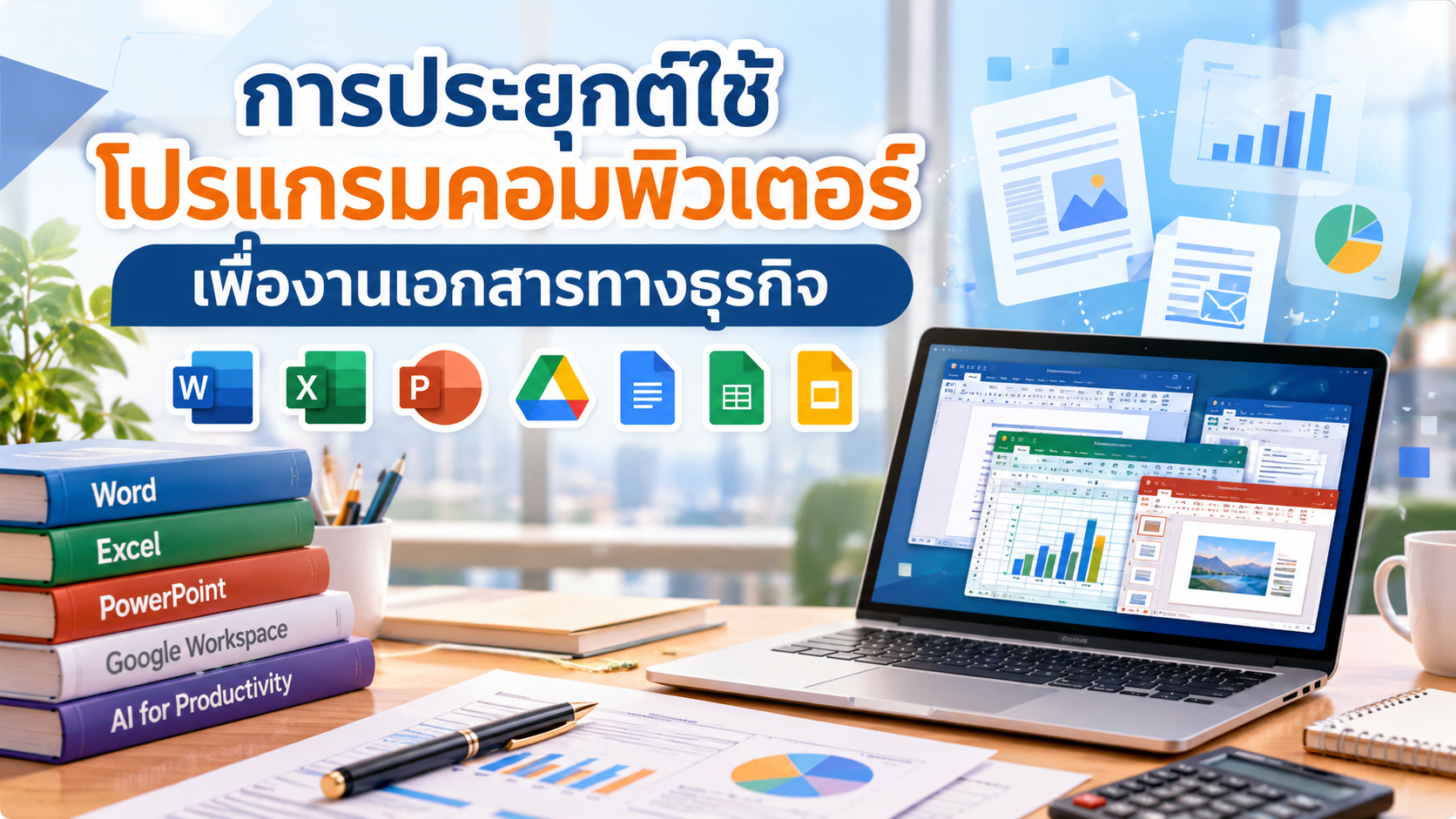
Learn how to apply computer software to business document tasks, including Microsoft Word, PowerPoint, and Excel, as well as Google Docs, Google Slides, and Google Sheets. The course also introduces the application of Artificial Intelligence (AI) to support document creation, presentations, and business data management.
What You Will Learn
Course details
The Application of Computer Software for Business Documents course aims to develop learners' knowledge and practical skills in using office software for creating business documents, preparing presentations, and managing business-related data effectively.
The course covers Microsoft Office applications, including Microsoft Word for document creation and formatting, using the Insert tab, creating mail merges and automatic tables of contents, and using document review and viewing tools.
Microsoft PowerPoint is introduced for creating and delivering presentations, including the use of review and viewing tools.
Microsoft Excel is covered for spreadsheet management, cell and worksheet formatting, basic formulas and functions, chart creation, data sorting, and filtering. Learners are also introduced to Google Docs, Google Slides, and Google Sheets for document-related tasks.
In addition, the course includes case-study worksheets related to cash flow management and debt collection letters using mail merge, as well as the application of Artificial Intelligence (AI) with Microsoft Word, PowerPoint, and Excel to support business operations.
Learning materials include instructional videos, supporting documents, review questions, and activity worksheets designed to encourage practical application of computer software in business-related situations.
The course consists of nine chapters:
Introduction to Microsoft Office Applications
Microsoft Word Features and Tools
Using the Insert Tab
Mail Merge and Automatic Table of Contents
Using the Review and View Tabs, Including Google Docs
Microsoft PowerPoint Features and Tools
Slide Shows and Using the Review and View Tabs, Including Google Slides
Microsoft Excel Features and Tools, Data Management, Formulas, and Charts
Basic Functions in Microsoft Excel, Including Google Sheets
The course also includes case-study activities on applying office software and AI technologies to business document tasks.
Instructor
Related Courses

- Closing Date 26 May 2027 Time 16:00
-
Please finish learning before the date and time shown — when the course closes, the classroom is cleared and your learning history for this round ends (certificates already issued remain valid).
- Instructor Pichet Siriratpaisankul
- Level Beginner
- Duration 7 hr.
- Lessons 80 Lessons
- Certificates Available
- Category Information Technology and Digital Skills
- Learners 52